Table of contents

Introduction

I've connected our Bluetooth headphones and earbuds to more laptops, PCs, phones, both iOS and Android, than I can really count at this point, mostly because part of my job is testing this stuff before writing about it. 

Some pairings were done in ten seconds flat. One pair took me almost fifteen minutes, not because anything was actually wrong, but because I kept skipping one dumb step without even noticing. Took me way longer than it should have to figure that out.

Nobody's running a cable from their laptop to their ears anymore. Wireless is just what people use now, for calls, for games, for background music while you're answering emails you don't want to answer. 

The steps are simple once you actually know them. What trips people up is that Windows and Mac don't do it the same way, so if you've only ever used one, switching to the other can be weirdly confusing for about thirty seconds.

This one covers both, plus why your headphones' Bluetooth version is something you should actually care about, basically a full walkthrough of how to connect Bluetooth headphones to laptop devices without the guesswork.

Before You Pair Your Noise-Cancelling Headphones

Here's a thing I notice a lot, and I've been guilty of it too. Somebody buys new Bluetooth headphones, tries connecting them right out of the box, it doesn't work, and their first thought is "great, defective unit." Most of the time that's not it at all. A few things to check first:

  • Charge them. Sounds obvious, but a device running on fumes won't enter pairing mode right, some won't even show up on the list until there's enough juice in them.
  • Put them into pairing mode. Usually holding the power button for a few seconds till a light starts flashing, but every brand does this a little differently so check the box or manual if it's not obvious.
  • Make sure your laptop actually has Bluetooth. If you're sitting there wondering does my computer have Bluetooth, Newer ones always do. Older desktops and some cheaper laptops don't, and you'll need a small USB dongle for that.

How to Connect on Windows

Here’s how you can do it on Windows:

  1. Open Settings, then go to Bluetooth & devices.
  2. Toggle Bluetooth on. It needs to be on for any of this to work, and it's a single toggle.
  3. Click Add device.
  4. Pick Bluetooth from the list.
  5. Put your headphones into pairing mode now, not before. Give it a second, they usually show up quickly.
  6. Click the name of your headphones. Done.

If nothing shows up, first double-check the headphones are actually in pairing mode and not just switched on, those are different things. Turning Bluetooth off and back on in Settings fixes this more than you'd expect too.

I'll tell you what happened to me once. Mid game, Bluetooth just dropped, no warning. I went through the normal steps to fix it, and instead of coming back, the Bluetooth headphones stopped showing up at all for a while. 

Turned out a driver had quietly rolled back on its own in the background. Updated it through Device Manager and it was fine again. So if your headphones just vanish after working perfectly before, check the driver before you blame the Bluetooth headphones.

How to Connect on Mac

Here’s how you can do it on Mac:

  1. Click the Apple menu, then open System Settings.
  2. Select Bluetooth in the sidebar and switch it on if it isn't already.
  3. Put your headphones into pairing mode.
  4. Check under Nearby Devices, where they usually show up within a few seconds.
  5. Click Connect.

Tested this on the latest macOS. And I'll be honest, it's smoother than Windows in most cases, Mac finds devices faster and switching audio sources through the menu bar icon later on is quicker than hunting through Settings.

Why Your Headphones' Bluetooth Version Matters

I've been into tech since I was a kid, not exaggerating, and I've been working in this industry for a good while now. 

I didn't learn any of this off a spec sheet, to be clear. It came from actually using a bunch of these things over time, breaking one or two honestly, and slowly noticing why one pair of earbuds just felt snappier than another even when the box claimed identical numbers. That kind of stuff you only pick up by using the gear, not reading about it.

So what does the version actually control? 

  • Range: how far you can walk before the connection cuts out.
  • Stability: whether it holds up in a room full of other wireless devices competing for the same frequency.
  • Pairing speed: how quickly the device connects when you switch it on.
  • Power use: the Bluetooth radio itself drains battery, so a more efficient version uses less of it.

Our own lineup is a good example of how the Bluetooth version plays out:

  • Futura AI 200: Bluetooth V6.0 with real-time AI translation across 100+ languages. Active and environmental noise cancellation keep sound and calls clear, with 13mm drivers, up to 42 hours of playtime, and an ultra-low-latency gaming mode.
  • Futura AI 100: Bluetooth V6.0 with active noise cancellation and TWS + AI. It supports live translation in 100+ languages and has 7+ modes in the app.
  • Fusion X: Bluetooth V5.4 with hybrid ANC and 6 built-in mics for clearer calls. It has voice assistance and up to 5 hours of playtime.
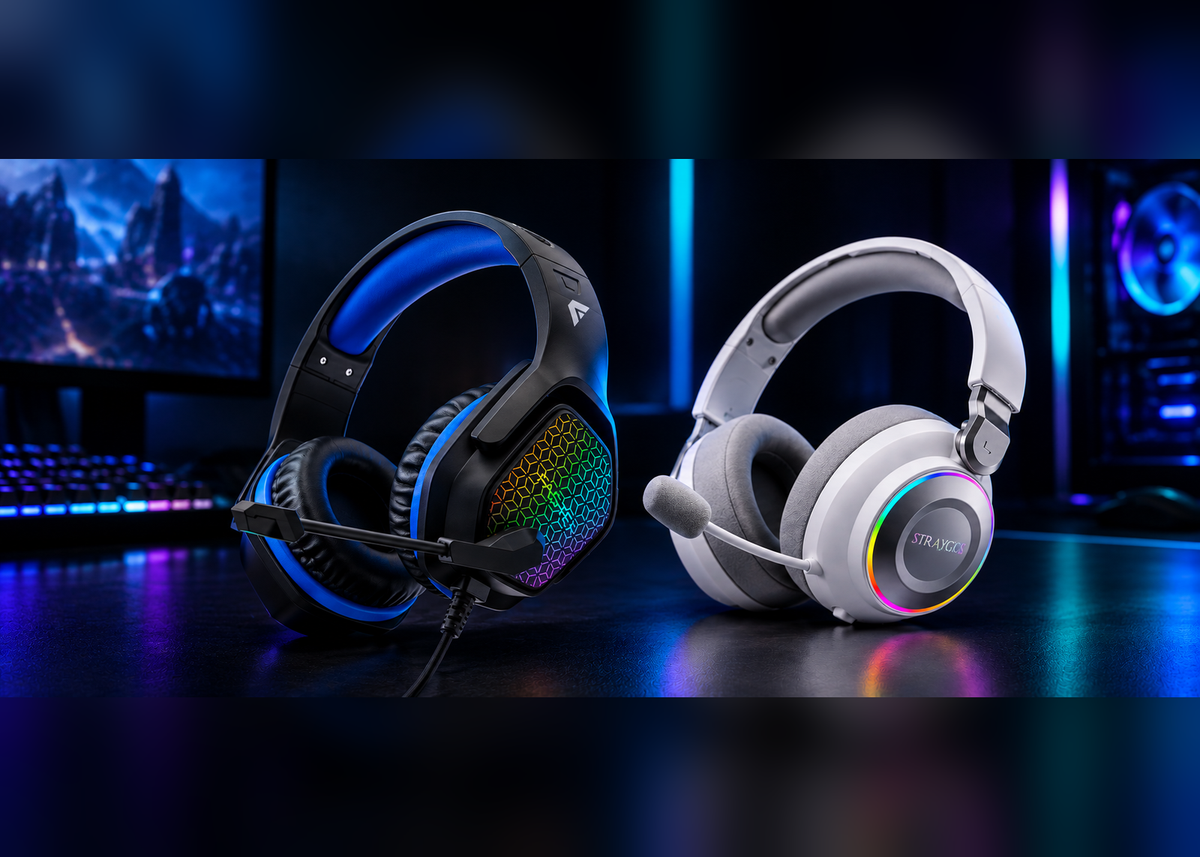
  • Straygos Gaming Headset: Bluetooth V5.3 with 50mm gaming drivers and an ENC microphone. It gives 360° sound coverage and works with all your devices.

These aren't just numbers to fill a spec sheet, a newer version genuinely means quicker pairing when you turn them on, handles interference better in busy places like an office, and drains less battery doing it.

One thing people forget: check your laptop's Bluetooth version too, not just the headphones. Bluetooth is backward compatible so V6.0 earbuds will still connect to an older V5.0 laptop just fine, you just won't get the full benefit of the newer version, you'll get whatever the older one supports. Both sides of the connection matter, not just one.

One thing is clear: the features of headphones are of utmost importance, but they aren’t the only thing you want to be looking at when making a decision. So, if you want to buy the best headphones in Pakistan, give this article a read, and you will end up as a more educated consumer, capable of making a better buying decision.

So What's the Newest Bluetooth Version Right Now?

Bluetooth 6.0. Came out in 2024. The big thing it added is Channel Sounding, basically it lets two devices figure out exactly how far apart they are, way more precisely than before, which sounds minor until you realize that's what powers stuff like smart locks knowing you're actually at the door and not just nearby. 

It also improved power efficiency and general connection reliability along the way. You'll find it now on newer phones, laptops, and audio gear, including a few models in our own earbuds lineup.

Bluetooth SIG, the group that actually runs the Bluetooth standard, has said its whole goal is making sure anyone and anything that wants to connect wirelessly can do it easily and safely. That's basically the reason the standard keeps getting revised, each version is just another attempt at making the connection faster and more dependable than the last one.

Block Out the Noise
Faster

Block Out the Noise

Shop

FASTER Headphones, built for focus, gaming, and long listening sessions. Explore noise-cancelling headphones and gaming headsets made for everyday comfort and clear sound.

  • Advanced noise cancellation on the Rove S8 and Soluna S7 for distraction-free listening
  • Up to 43 hours of playtime on the ANC models
  • Gaming headsets with 50mm drivers and ENC microphones for clear communication
Bluetooth Version Release Year Range Key Improvement Found In
V4.2 2014 Up to 10 meters Faster data transfer, better privacy Older, budget earbuds and speakers
V5.0 2016 Up to 40 meters Roughly double the speed and four times the range of V4.2 Mid range wireless headphones
V5.4 2023 Up to 40 meters, more reliable indoors Encrypted advertising and better broadcast handling FASTER Fusion X
V6.0 2024 Up to 40 meters, sharper indoor accuracy Channel Sounding, lower power draw FASTER Futura AI 200

Quick note on the range column: those numbers are best case scenarios, walls, obstacles and other devices will always pull the real number down some. 

What actually matters day to day is the Key Improvement column: that's the part you'll actually feel while using the thing.

Hear Every Detail

Futura AI 200 Earbuds, built with real time AI translation across 100+ languages, so you can understand and be understood wherever you are.
Shop
Hear Every Detail

Common Connection Problems and Fixes

Problem: Headphones won't pair at all.

Fix: Nine times out of ten, the headphones aren't actually in pairing mode or your laptop's Bluetooth needs a restart. Make sure the headphones are in pairing mode, not just switched on, then toggle Bluetooth off and on before trying anything more drastic.

Problem: The Bluetooth option has disappeared or is greyed out in Settings.

Fix: Restart your laptop, then uninstall and reinstall the Bluetooth driver. If the option stays greyed out and nothing software-related helps, the Bluetooth hardware itself may have failed. That's not something you can troubleshoot away, so take the laptop to a repair shop.

Problem: Choppy audio or lag.

Fix: This usually comes down to distance or interference, or your laptop running too much in the background. Move closer to the laptop, close a few tabs or background apps, and check whether it improves.

Problem: Headphones are connected but there's no sound.

Fix: Open your sound settings and select your headphones as the output device. Often the connection is fine and the laptop is still playing audio through its own speakers.

Problem: You want your headphones connected to your phone and laptop at the same time.

Fix: Check whether your headphones support multipoint. It's usually listed in the manual or the brand's app. Good ones switch between the two devices on their own.

Tips for a Stable Bluetooth Connection

  1. Keep the firmware updated through whatever app the manufacturer gives you. 
  2. Stay reasonably close to your laptop, walls eat signal more than people realize. 
  3. Keep them away from routers and other wireless gear if you can, that's usually where interference comes from. 
  4. And if none of that's working, just forget the device entirely from your Bluetooth list and pair it again from scratch. Fixes more than you'd think.

Why Choose FASTER Bluetooth Headphones and Earphones

Pretty much everything mentioned in this article, I tested myself while writing it. Not pulled off a spec sheet somewhere.

FASTER trusted by over 35 million people at this point, across Pakistan, Saudi Arabia, UAE, USA, and parts of Africa, with delivery in three to four days nationwide, a support team that actually helps, and bluetooth headphones low price in Pakistan without cutting corners on quality. 

And honestly this is exactly why the Bluetooth version matters so much, it's why our newer earbuds run on V6.0 instead of sticking with older, cheaper chips just to save a few rupees. 

Pairing takes seconds, it holds steady even in a crowded room, battery lasts longer because the radio itself is more efficient. Solid build on top of all that just means you're not dealing with half the headaches this article covered in the first place.

Your Next Favorite Pair Is Already Here
Faster

Your Next Favorite Pair Is Already Here

Shop

Browse FASTER's complete audio collection, earbuds, bluetooth headphones, and handsfree devices built for every use case, from daily commutes to gaming sessions to long calls.

  • Wide range of ANC and ENC earbuds for noise free listening
  • Models with AI real time translation and voice assistant support
  • Battery life ranging up to 42 hours depending on the model

Conclusion

Once you know the steps for your specific system, pairing really is quick, and knowing a bit about your headphones' Bluetooth version explains why some pairings just feel better than others.

FAQs

Pairing TWS earphones with a phone, what's the process?

Case open, they'll go into pairing mode themselves usually, sometimes needs a long press. Phone side: Bluetooth settings, turn it on, tap them once they show.

Headphones connected but not showing as an output option, why?

Confirm connected status first. If it says connected but won't show as an output choice, sound settings, pick manually. Or just disconnect and try again, fixes it half the time.

No built-in Bluetooth on the laptop, can bluetooth headphones still connect?

Small USB dongle handles that. Works on basically any laptop or desktop, cheap fix.

Random disconnects, what's usually behind that?

Interference mostly. Sometimes low battery, sometimes you've just wandered further than the range allows. Old drivers cause this too more often than people assume.

Can two pairs of wireless bluetooth headphones connect to one laptop at once?

They can both pair, sure, but most laptops will only actually stream audio to one at a time unless you're running special multi-output software.

Aun Haider

Aun Haider

SEO Content Writer

Aun Haider is an SEO Content Writer at Faster Pakistan, specializing in SEO-driven content, copywriting, and creating content that connects with audiences. Beyond his professional role, he is a curious, creative, and people-oriented individual who enjoys travelling, exploring new ideas, telling stories, and bringing a fresh perspective to everything he creates. Connect with him on Instagram, LinkedIn, and Medium.

Latest Stories

View all

The Science Behind Noise-Cancelling Headphones: Tech That Silences the World blog banner image

The Science Behind Noise-Cancelling Headphones: Tech That Silences the World

Noise-cancelling headphones hear the world around you and answer with its opposite, so the two sounds wipe each other out. This guide covers the physics, the ANC types and what to check before you buy.

Read more

How to Connect Your Bluetooth Headphones and Earphones to Your Laptop or PC

How to Connect Your Bluetooth Headphones and Earphones to Your Laptop or PC

Pairing Bluetooth headphones with a laptop takes under a minute, honestly, but only once you actually know where to look. Most people don't, at first.

Read more

finding the right power bank in pakistan blog banner image

Things You Must Know Before Choosing the Right Power Bank in Pakistan 2027

This guide breaks down how to choose the right power bank in Pakistan for 2027, covering capacity, charging speed, device compatibility, and safety features, and compares FASTER's top 5 models to help buyers decide with confidence.

Read more